Getting Started
Connecting Your Wallet
Blockpeer uses Web3Auth to provide a secure and seamless wallet connection experience.
Steps to Connect
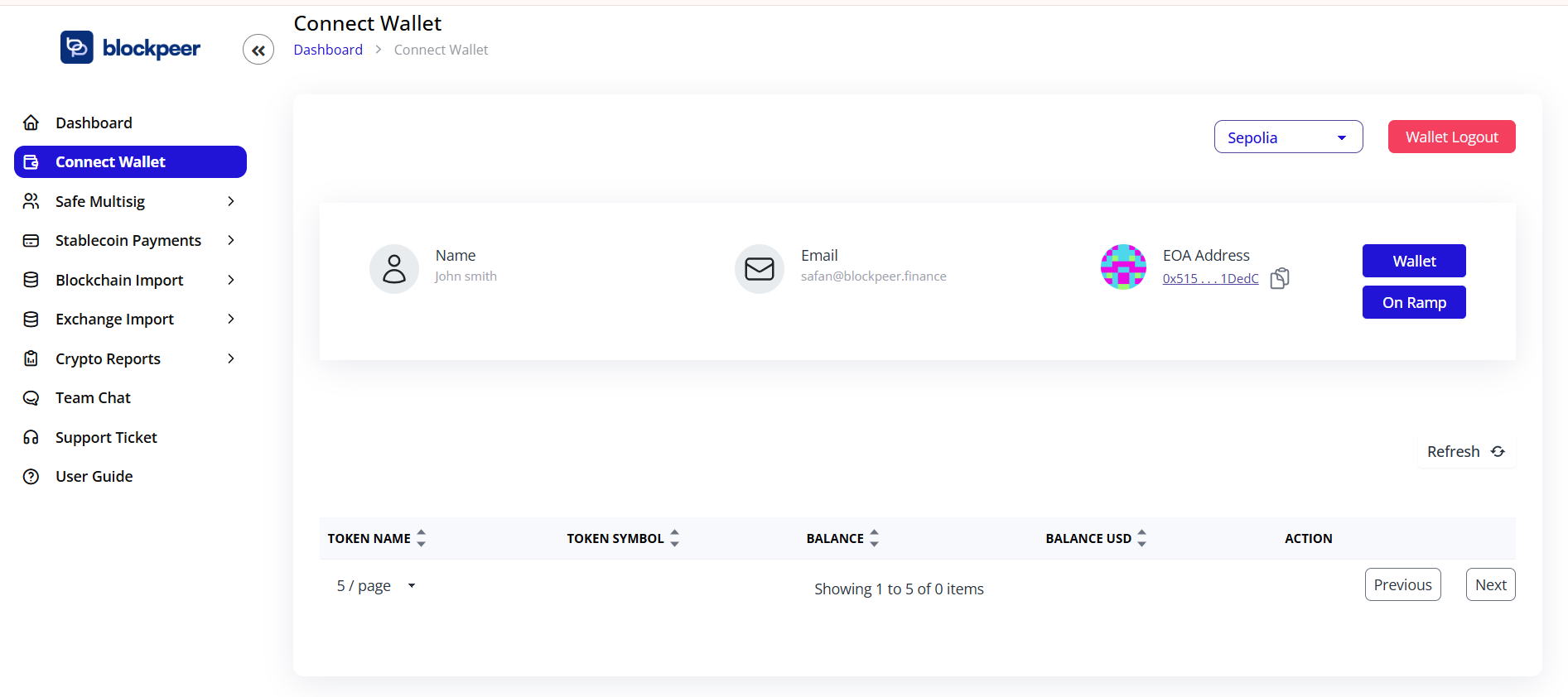
- Navigate to the Connect Wallet page from the sidebar
- Click on the Wallet button in the top right corner
- You'll see your wallet information including:
- Name: Your wallet identifier
- Email: Associated email address
- EOA Address: Your Externally Owned Account address
Wallet Features
- On Ramp: Access fiat-to-crypto on-ramp services
- Wallet Logout: Securely disconnect your wallet
Supported Networks
View and manage your tokens across multiple blockchain networks through the connected wallet interface.