Pre-Approval
Overview
The Pre-Approval module allows companies to submit initial trade finance requests for investor review. This is the first step in the trade finance process where you provide basic information about your financing needs.
Creating a Pre-Approval Request
Step 1: Navigate to Pre-Approval
- From the CLIQ dashboard, click on Pre-Approval
- Click + New Pre-Approval Request
Step 2: Enter Trade Details
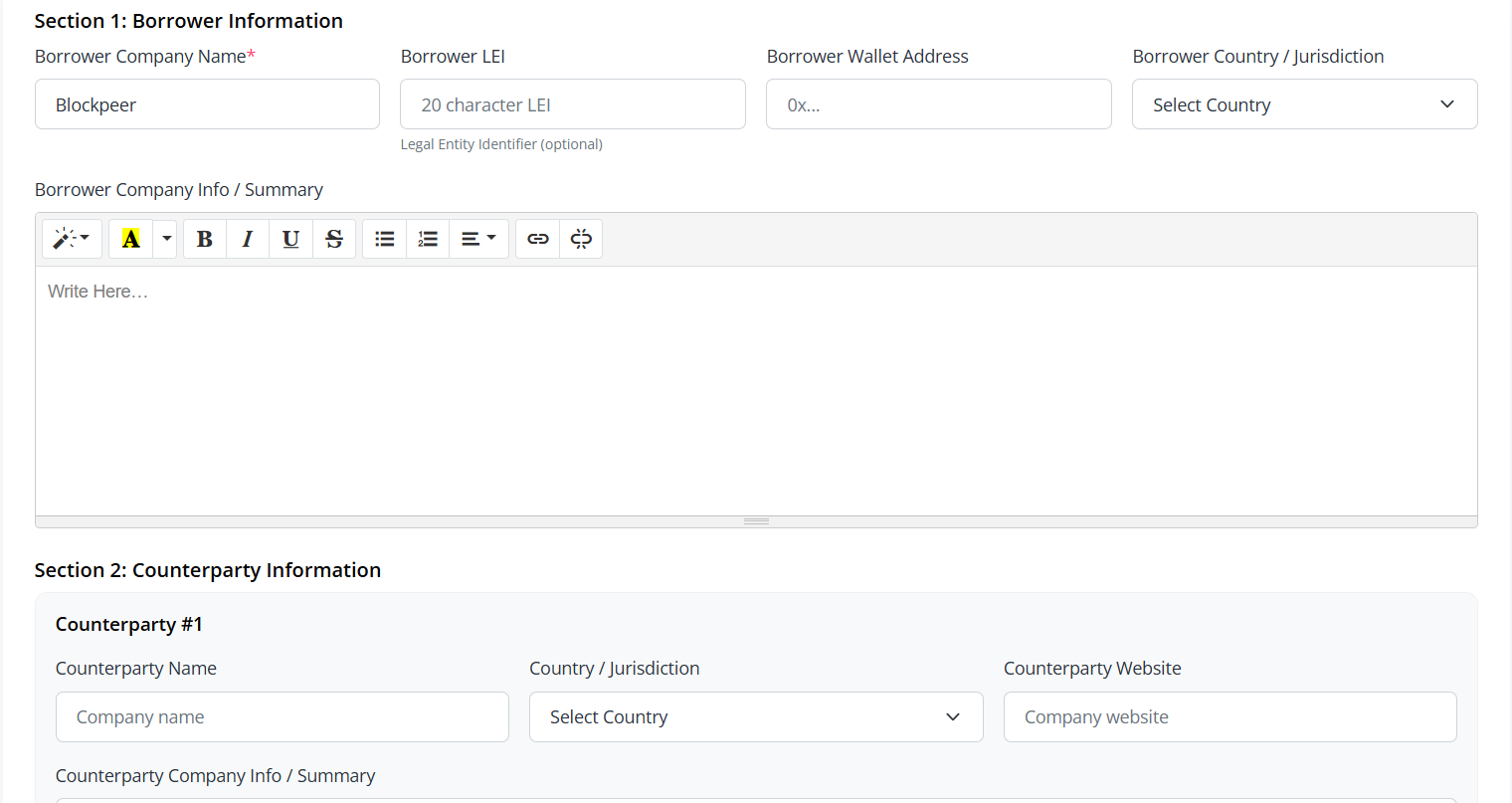
Complete the pre-approval form with the following information:
Basic Information
- Trade Reference Number: Your internal reference for this trade
- Trade Type: Select the type of trade (Import, Export, Domestic)
- Commodity/Product: Describe what's being traded
- Trade Value: Total value of the trade transaction
Financing Details
- Financing Amount Required: Amount you're seeking
- Currency: Select currency (USD, EUR, etc.)
- Requested Tenure: Duration of financing needed (days/months)
- Purpose of Finance: Brief description of financing purpose
Counterparty Information
- Buyer/Seller Name: Trading partner details
- Country: Counterparty location
- Payment Terms: Agreed payment conditions
Step 3: Upload Supporting Documents
Add relevant documents to support your request:
- Purchase Order / Sales Contract
- Proforma Invoice
- Company profile
- Previous trade history (if applicable)
Step 4: Review and Submit
- Review all entered information carefully
- Check document uploads
- Click Submit Pre-Approval
- You'll receive a confirmation with a reference number
Managing Pre-Approval Requests
View Your Requests
- Go to Pre-Approval section
- See all your submissions with their status:
- Pending: Under review by investors
- Interest Received: Investors have requested more information
- Approved: Moved to next stage
- Declined: Not approved for financing
Edit Pre-Approval
- Locate your pre-approval request
- Click Edit (available only for pending requests)
- Make necessary changes
- Click Update
Withdraw Request
- Find the pre-approval request
- Click Actions > Delete
- Confirm Delete
- Request will be remove
Understanding Investor Interest
When investors review your pre-approval:
- Viewing: Investors can see your basic trade information
- Interest Indication: Investors may mark interest without commitment
- Information Request: Investors formally request additional details (moves to Information Request module)
You'll receive notifications for each investor action.
Best Practices
- Provide accurate and complete information to speed up review
- Upload clear, legible documents
- Use realistic financing amounts and tenures
- Include all relevant trade details in the description
- Monitor your dashboard regularly for investor interest
- Respond quickly when information is requested
Pre-Approval Checklist
Before submitting, ensure you have:
- ✓ Verified all trade details are accurate
- ✓ Uploaded all required supporting documents
- ✓ Confirmed financing amount and tenure are realistic
- ✓ Included complete counterparty information
- ✓ Reviewed payment terms
- ✓ Checked for any errors or missing information
Common Issues
Q: How long does pre-approval review take? A: Investors typically review within 48-72 hours. You'll be notified of any interest.
Q: Can I submit multiple pre-approvals? A: Yes, you can submit multiple pre-approval requests for different trades simultaneously.
Q: What happens if no investors show interest? A: You can revise your request terms or provide additional information to make it more attractive.
Q: Is pre-approval binding? A: No, pre-approval is an initial expression of interest. Final terms are negotiated in the LEI Financing stage.